- Home
- Desktop computer buyout
- Faulty desktop buyout
Faulty desktopcomputer buyout
PC won’t power on, shows no image or keeps crashing? Usually one component fails while the rest stay valuable. Send the configuration and describe the symptoms.
- We buy
- Not powering on, no image
- Valuation
- By working components
- Key factors
- Configuration, symptoms
- Payment
- Cash or bank transfer
The advantage of a desktop is that it consists of separate parts. When a power supply or motherboard fails, the graphics card, CPU and RAM are often perfectly fine.
Typical symptoms: no power at all (often the PSU), powers on but no image (GPU, RAM or board), shuts down under load (overheating or power), blue screens (RAM or drive).
01
What we buy
- PCs that do not power on
- Powers on but no image
- Shuts down under load
- Blue screens
- Failed power supply
- Office PCs without drives
- Faulty workstations
02
What affects the price
Components
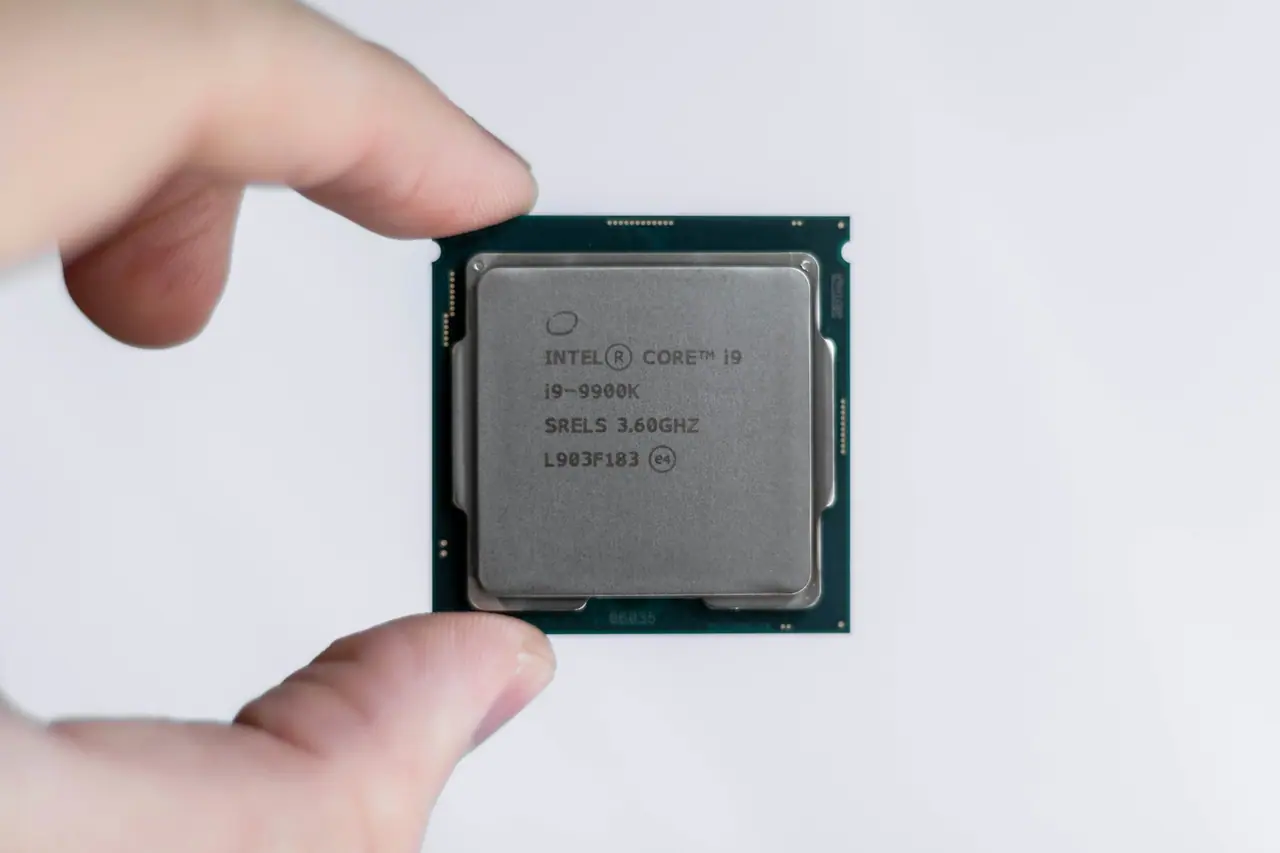
GPU, CPU and RAM are often the most valuable surviving parts.
Symptoms
Help predict what failed.
Physical condition
Burn marks, swollen capacitors, corrosion.
03
What to send for a valuation
- Configuration if known.
- What happens when you press power.
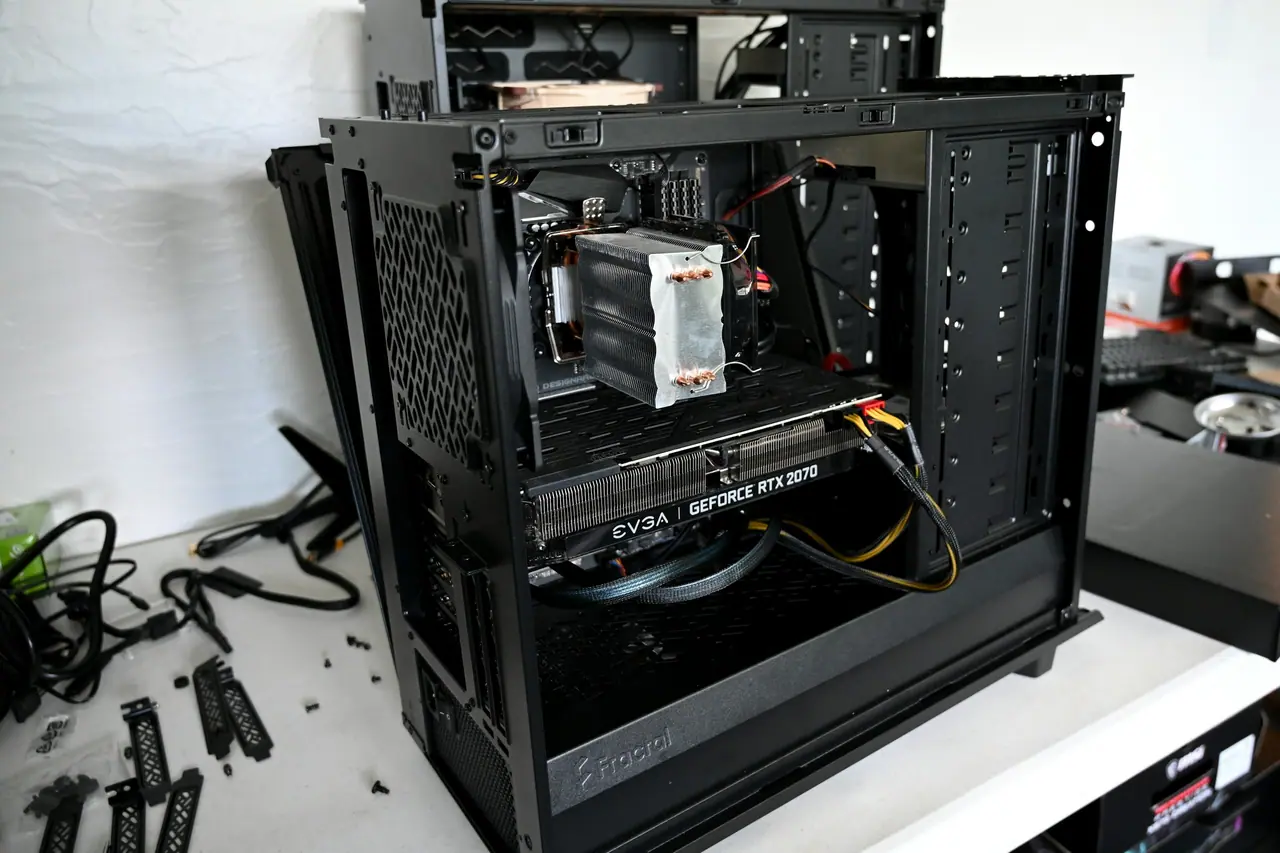
- An inside photo.
- Anything replaced or repaired.
How the buyout works
Send
Photos, model, city and a short condition note.
We assess
We review the details and ask if anything is missing.
Offer
A preliminary amount and what it is based on.
Deal
Handover and payment in cash or by bank transfer.
Frequently asked questions
Frequently asked questions
Do you buy a PC if I don’t know the fault?
Yes, we value the components accounting for unknown condition.
Can I sell only the working parts?
Yes, if you remove them.
Get an offer
The category is already selected — only details, photos and contacts remain.